How AI video tools reshape marketing pitches and previsualization
Marketing teams have long relied on static decks, mood boards, and verbal descriptions to sell a campaign idea before any real footage exists. The problem is familiar: a client nods along to a storyboard, then balks when the final cut looks different from what they imagined. The gap between concept and execution costs time, revisions, and sometimes the project itself.
AI video generation now offers a way to bridge that gap. By turning text descriptions, reference images, or short clips into moving visuals, teams can show what a campaign will actually look and feel like before committing to a full production. This is more than a faster way to make rough drafts. It changes how pitches are built, how storyboards communicate, and how directors and clients align on a shared vision before cameras roll. Happy Wan — Multimodal AI Video Generation Online Free
Happy Wan, Multimodal AI Video Generation Online Free lets you feed in a script, a product shot, or a mood board and get back a short video that approximates the final look. That kind of tool sits at the center of a shift in preproduction workflows, especially for marketing teams that need to sell ideas internally or to clients.
What previsualization looks like with AI
Previsualization, or previs, has been a staple of film and animation for decades. Directors storyboard scenes, shoot rough animatics, or build simple 3D environments to test camera angles, lighting, and pacing before the real shoot. Marketing departments have adopted similar techniques, but the tools were often too expensive or too technical for everyday use.
AI video generation changes the equation. Instead of hiring an illustrator for a storyboard or spending days editing a rough animatic, a marketer can describe the scene in text, upload a product image, or reference a clip that captures the desired mood. The AI produces a video that shows the concept in motion. Color grade, camera movement, and timing become visible instantly.
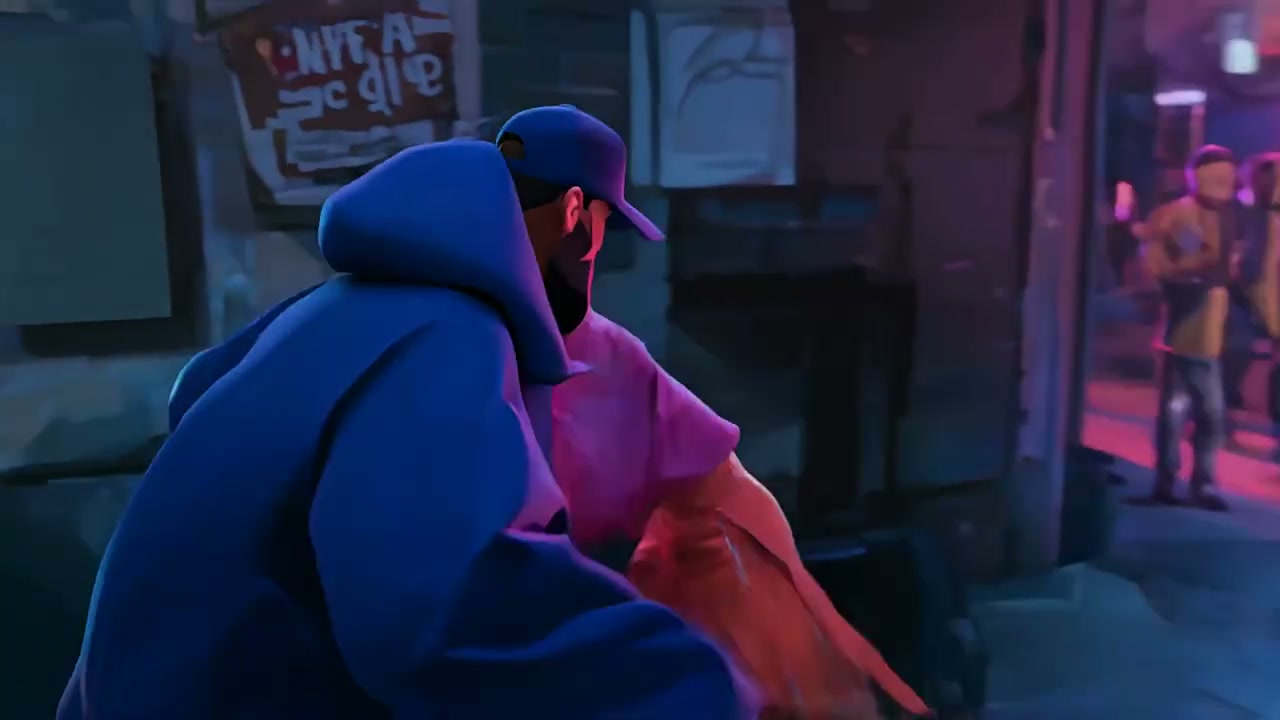
That immediacy matters most during pitches. A client who sees a moving image of their product in a lifestyle setting, with the right lighting and pacing, is far more likely to approve the direction than one who reads a script and looks at a static storyboard. The AI video becomes a shared reference point, reducing misunderstandings and speeding up the approval cycle.
Storyboards that move
Traditional storyboards are a sequence of drawings that represent key frames. They work well for blocking and composition but leave timing, transitions, and atmosphere to the imagination. AI video generation can turn those frames into a continuous sequence. A storyboard becomes a short film, even if it is rough around the edges.
This is especially useful for social video campaigns where pacing is everything. A 15-second ad relies on rhythm and cuts. Seeing the rough version in motion lets the team judge whether the joke lands, the product appears at the right moment, and the music or voiceover fits. Adjustments happen before any footage is shot, saving reshoot costs and editorial rework.
What goes into a good AI storyboard prompt
Getting useful output starts with the prompt. Specificity matters more than length. Instead of "a woman using a laptop in a coffee shop," a better prompt might read: "Wide shot, warm afternoon light, woman in her late twenties sits at a wooden table, silver laptop open, steam rising from a ceramic mug, shallow depth of field, cinematic color grade."
The AI interprets that description and generates a clip that approximates the look. The team can iterate by adjusting the prompt, swapping reference images, or combining multiple clips into a sequence. The result is a storyboard that communicates not just what happens, but how it feels.
Pitches that show, not tell
A pitch deck filled with text and still images asks the audience to imagine the final product. An AI-generated video removes that burden. The audience watches a version of the ad, even if it is not the final version. They see the product in context, hear the tone, and feel the pacing.
For agencies and in-house teams, this shifts the conversation from "trust us, it will look great" to "here is what we mean." The video does not have to be polished. In fact, a slightly rough AI render can be an advantage: it signals that the idea is still in development and invites feedback. Clients feel more involved when they can point to a specific frame and say "make that warmer" or "shorten that shot."
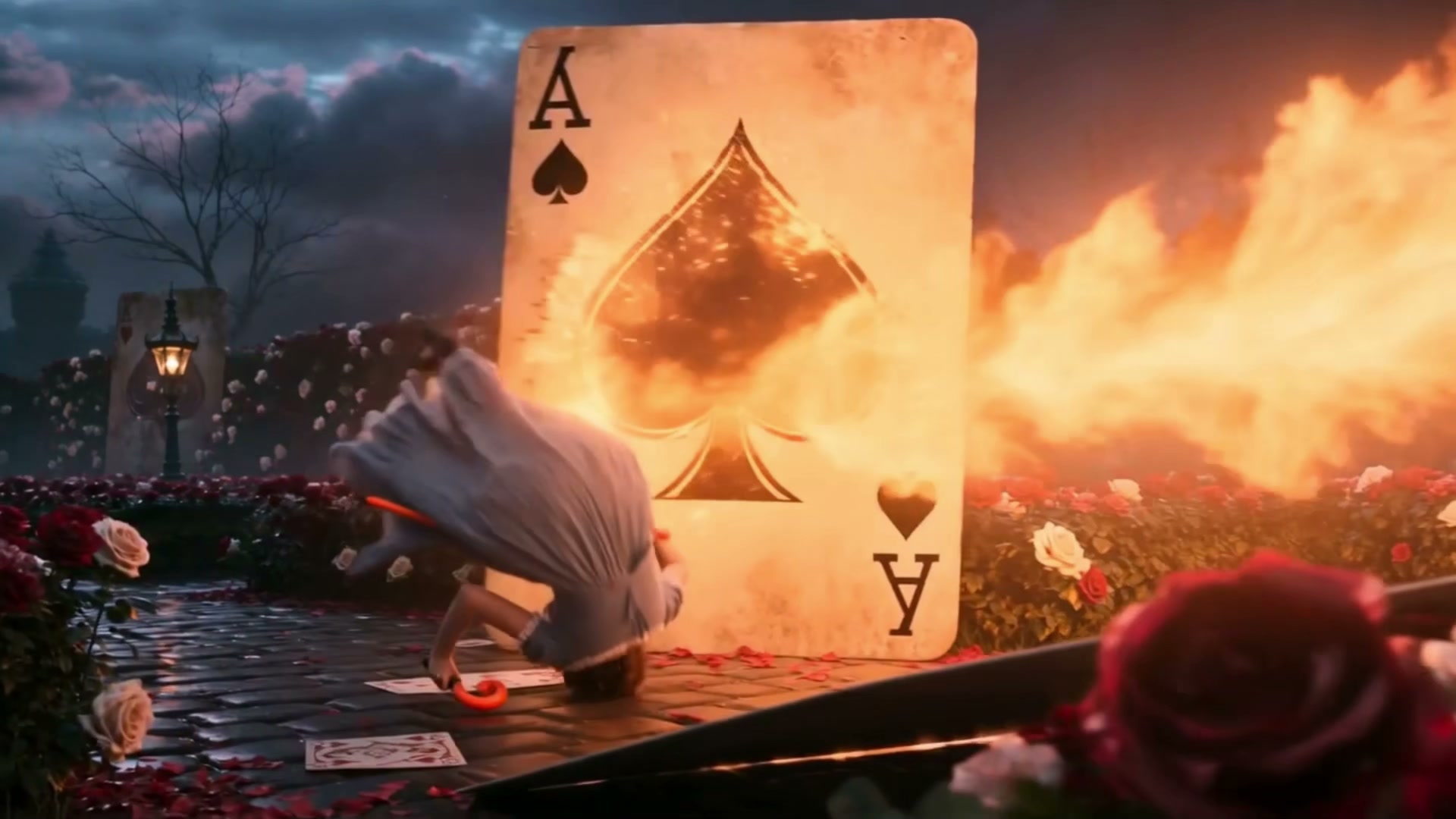
Creative testing also benefits. Before investing in a full production, teams can generate multiple versions of a campaign concept using different visuals, tones, or messaging. They show these AI videos to a small audience or internal stakeholders and measure reactions. The best direction gets the green light, while weaker ideas are discarded without ever being fully produced.
Bringing brand guidelines into the workflow
Brand guidelines often dictate colors, typography, and imagery, but they rarely translate easily into video. AI video tools that accept reference images or style prompts allow teams to bake brand identity into the previsualization stage. A product image shot on a white background can be placed into a lifestyle scene that matches the brand's visual language. The AI respects the product's shape and details while generating a context around it.
This matters for e-commerce marketing, where product images are the foundation of most campaigns. Instead of shooting multiple scenes for each product, a team can generate AI videos that show the product in different settings, with different lighting, or in motion. The best performing concepts then guide the actual production.
What to watch for
AI video is not a replacement for a real shoot. The output can contain artifacts, inconsistent motion, or details that do not match the product exactly. Hands, faces, and text often look strange. The value lies in the concept, not the execution. Teams should treat AI-generated clips as sketches, not final deliverables.
Another consideration is brand safety. AI models are trained on vast datasets, and the output may inadvertently include elements that conflict with brand guidelines. Reviewing every frame for unintended logos, faces, or cultural references is part of the workflow. The goal is to communicate the idea, not to publish the AI output directly.
Happy Wan, Multimodal AI Video Generation Online Free provides a way to experiment with these concepts without a steep learning curve. The tool accepts multiple input types, which makes it flexible for different stages of preproduction. A mood board can become a video. A script can become a rough cut. A product image can become a scene.
What this means for marketing teams
The biggest shift is speed. A storyboard that used to take days can now take hours. A pitch that relied on imagination can now rely on a visible prototype. Teams that adopt AI video for previsualization shorten the feedback loop, reduce miscommunication, and increase the chances that the final video matches the original vision.
That does not mean every team needs to become a video production house. The tools are designed for quick iteration, not polished output. The learning curve is about prompting and curating, not operating cameras or editing timelines. Marketing professionals can focus on the creative direction while the AI handles the heavy lifting of generating moving images from text and references.
As AI video generation improves, the line between previsualization and final production will blur. For now, the smartest use is to prototype, pitch, and align before committing to a full production. That saves money, time, and the frustration of a client saying "that is not what I imagined."